Starlink Mini review: internet kahit walang kuryente ang mga tower
Starlink Mini review: keep online ang Pinoy homes kahit tinamaan ng typhoon ang kuryente at cell towers. Honest specs, power needs, at setup notes para sa tag-ulan.
We buy our own gear. Prices checked Sept 2026.
Naka-archive na ang article na ito: pwedeng luma na ang ilang detalye.
Overview
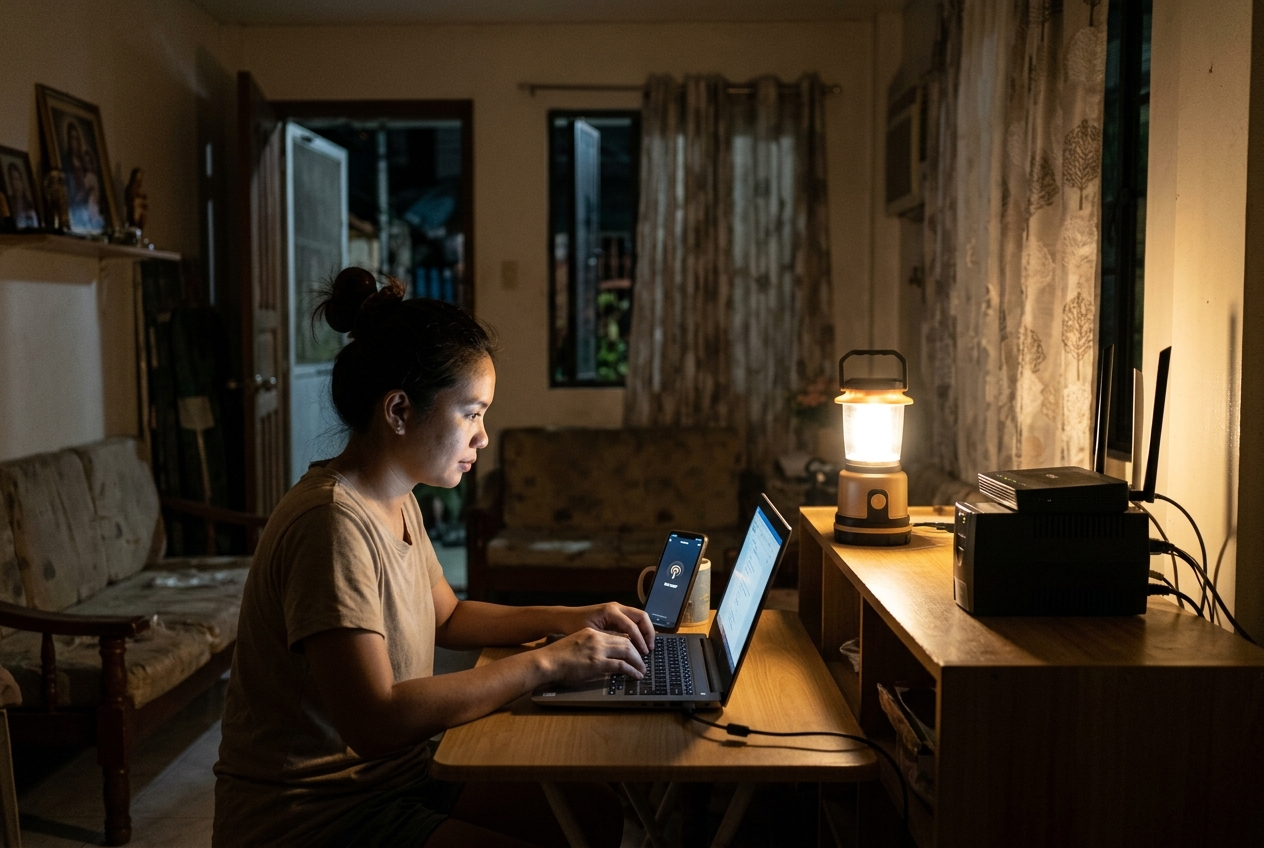
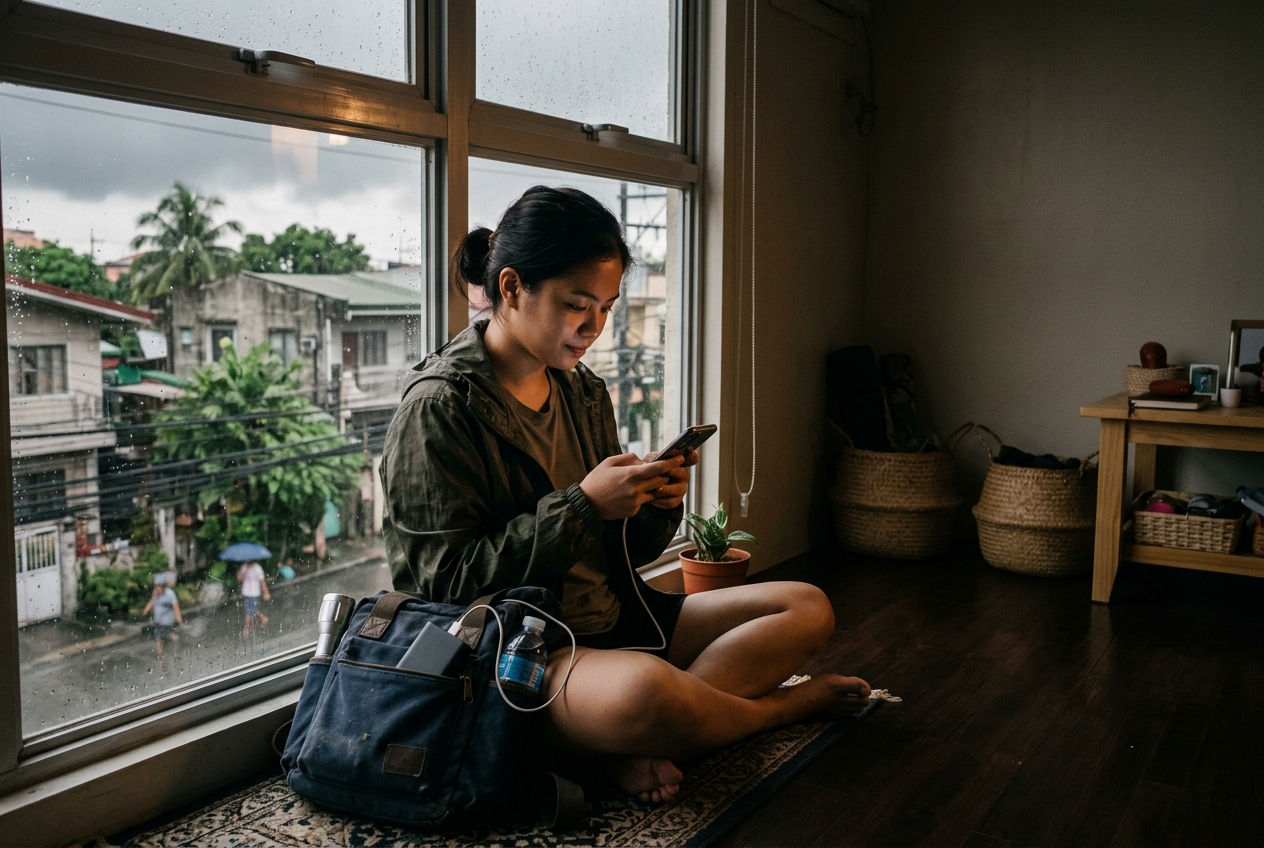
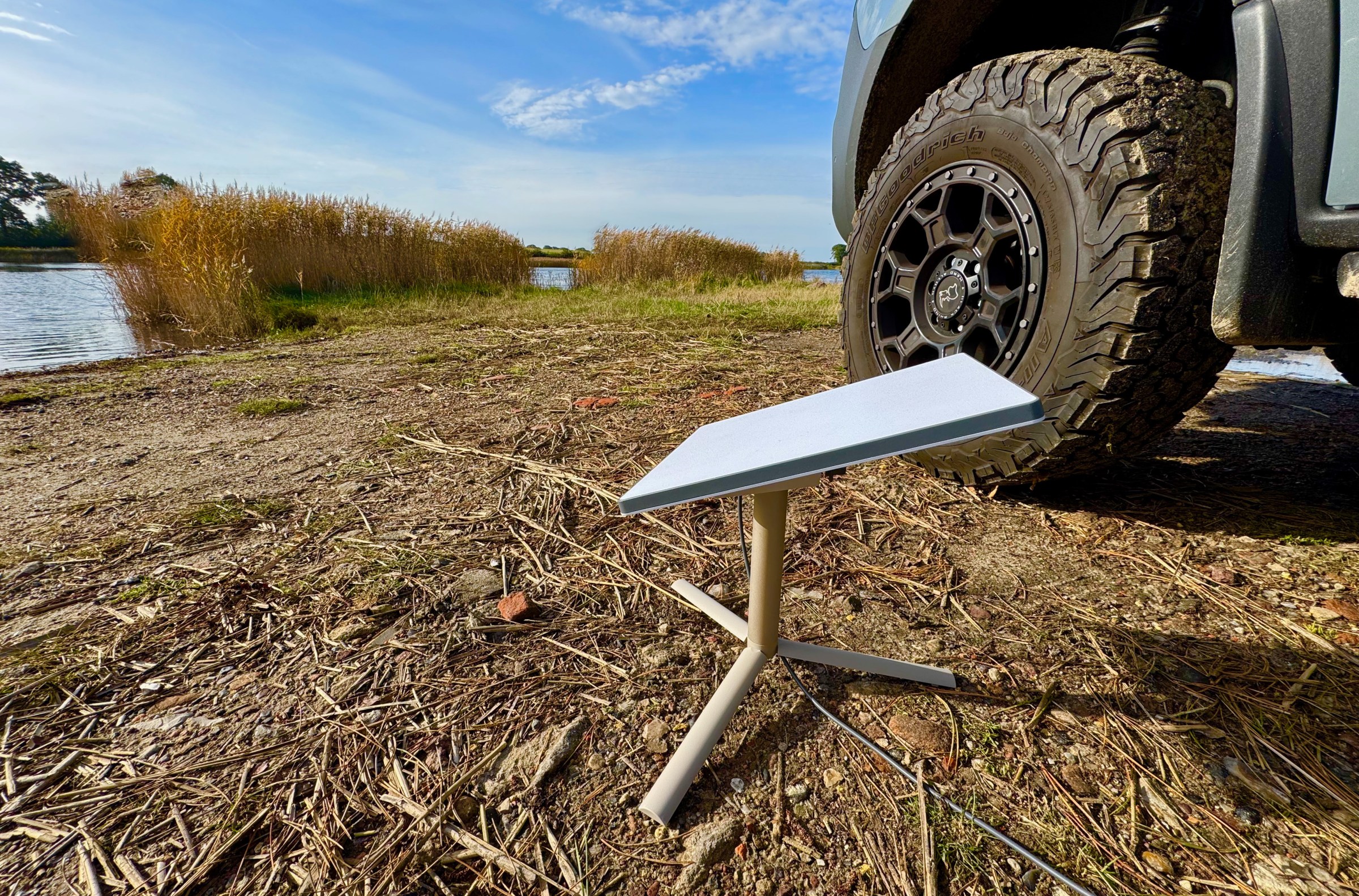
Ang Starlink Mini ay flat satellite dish, kasing laki ng laptop, na built in na ang router. Isang cable papasok, Wi-Fi palabas. Binili namin ito bago mag 2024 storm season kasi sawa na kami sa mga gabi pagkatapos ng typhoon, nakatingin sa phone na one bar lang pero walang laman, hinihintay ang text ng pamilya na hindi naman dumating.
Simple ang dahilan kung bakit nandito ito sa site na ito: ito lang ang gamit ko na walang pakialam kung may kuryente ang barangay, kung nakahiga sa kalye ang fibre line sa kanto, o kung paubos na ang baterya ng pinakamalapit na cell tower. Ang mahalaga lang sa kanya, makita niya ang langit at mabigyan mo siya ng kuryente.
’Yung pangalawang condition, siya na mismo ang buong review. Ang susunod, tungkol dito.
Bakit mahalaga ito sa Philippine conditions
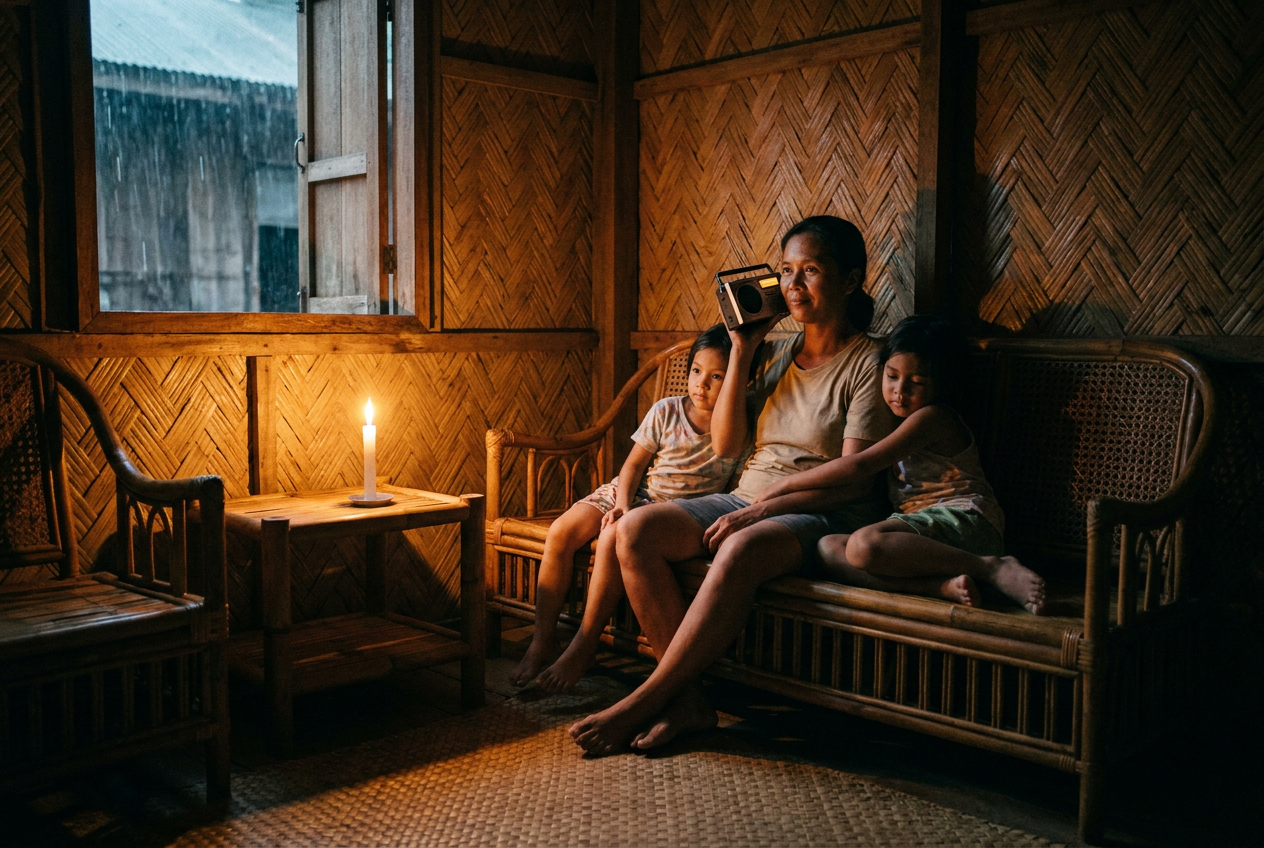
Kapag nilagay ng PAGASA ang signal number three at dumating na talaga ang hangin, tatlong bagay ang karaniwang nawawala, ayon sa pagkakasunod. Una, ang kuryente. Sumunod ang fixed broadband, kasi iisa lang ang poste na may dala sa dalawa. Tapos, ang mobile data, kadalasan pagkalipas ng ilang oras, kapag naubos na ang backup battery ng tower at hindi pa marating ang generator para ma refuel.
’Yung pangatlong pagkabigo, ’yun ang hindi inaasahan ng mga tao. Akala ng maraming pamilya, kapag nawalan ng ilaw, may load at signal pa rin sila. Minsan oo. Pero pagkatapos ng pinakamasama, sa mga low-lying areas at mga bayan na pinakamalapit sa landas ng bagyo, kadalasan wala na, at doon mo malalaman ’yan, mismo sa oras na kailangan mong sabihin sa nanay mo na buhay ka.
Na bypass ng Starlink Mini ang local na parte ng chain na ’yan. Nakikipag usap ito sa mga satellite, at ang mga satellite na ’yon, may kausap na ground stations sa ibang lugar. Kung madilim ang Metro Manila, hindi naman nito pinipigilan na gumana ang dish sa balcony mo sa Quezon City. Kung nasa ika-16 na palapag ka, walang elevator at walang tubig, may paraan ka pa rin para maabot ang labas.
Hindi ito mahika, at hindi ko ito ipagkukunwari. Kailangan nito ng kuryente, at kailangan nito ng malinaw na tingin sa langit. Pero mga problema itong kaya mong solusyonan nang maaga, habang nakaupo ka sa kusina mo, mas malaki kaysa doon sa nasirang cell tower.
Key specs: ano ang makukuha mo
Ang kit, ’yung dish mismo, built in na kickstand sa likod, mains power supply, at cable. ’Yun lang. Walang separate router box na kailangan mong paglagyan, kasi nasa loob na ng dish ang Wi-Fi.
Ang mga importanteng numero, isinalin:
Power draw, humigit kumulang 25 hanggang 40 watts. Sa simpleng salita, isang 20,000 mAh power bank (mga 74 watt-hours ng real usable energy) ay patatakbuhin ito ng mga dalawang oras. Isang 300 watt-hour portable power station, makakapagbigay ng pitong hanggang siyam na oras. Kung gusto mong tumakbo ito buong araw nang tuloy-tuloy, kailangan mo ng proper battery at kung maaari, solar panel. I-plano mo ito bago ka bumili, hindi pagkatapos.
Tumatakbo sa 12 hanggang 48 volts DC. Dito nagiging kapaki-pakinabang ang unit. Tatakbo ito direkta sa car battery, gamit ang tamang cable, o sa DC output ng portable power station, o sa 100 W USB-C power bank na may kaukulang adapter. Hindi ka nakatali sa mains at inverter.
IP67 rated. Sealed laban sa alikabok, kaya pang ma-submerge sandali. Hindi problema ang ulan para sa hardware. Problema ang ulan para sa signal, na ibang usapan na ’yon, tingnan sa baba.
Mga 1.1 kg ang dish, bahagyang lampas 1.5 kg ang buong kit. Kasya ito nang patag sa rucksack. Mahalaga ito kung minsan plano mong umalis dala ito, hindi lang manatili kasama ito.
Karaniwang bilis dito: 50 hanggang 150 Mbps download, 10 hanggang 20 Mbps upload, latency nasa 30 hanggang 60 ms. Sapat na para sa video calls, maps, news, at pag-upload ng litrato ng ginawa ng baha. Bumababa ang bilis kapag busy ang network.
Kailangan mo ng active plan. Walang magagawa ang hardware mag-isa. Ang Roam plans, na siyang gusto ng mga preparedness-minded dahil gumagana saan man, mga ₱1,600 kada buwan para sa 50 GB allowance at mga ₱4,000 kada buwan para sa unlimited, noong huli kong tiningnan. Pwede mong i-pause at i-unpause ang Roam buwan buwan, na siyang tapat na paraan para magkaroon ng isa kung panahon lang ng tag-ulan ang gusto mong gamitin ito.
Paano ito nagpeperform
Ang unang setup, mga sampung minuto, karamihan ay ang pag-update mismo ng app. Pagkatapos noon, mga dalawang minuto na lang ang pag-deploy: itayo, itutok ng humigit kumulang sa bukas na langit, i-plug, hintayin na mahanap nito ang sarili. May obstruction checker ang app na gumagamit ng camera ng phone para sabihin sa’yo kung gagana ang napili mong lugar. Gamitin mo ito. Ang mga puno at overhang ng building ang totoong kalaban, hindi ang distansya.
Sa balcony namin, na mga dalawang-katlo ng langit ang nakikita, may maikling dropouts kami na ilang segundo, isang beses kada oras, habang dumadaan ang satellite sa likod ng building. Nakakainis kapag video call, hindi mo mapapansin kapag nagme-message lang. Pag inilabas sa bukas na lugar, rock solid na ito.
Ang malakas na ulan ang totoong limitasyon. Sa pinakamakapal na ulan ng dumadaang bagyo, ’yung tipo na hindi mo na makita ang kasunod na building, bumababa ang throughput at magkakaroon ka ng dropouts na isa hanggang dalawang minuto. Babalik din naman ito. Sa karanasan ko, hindi pa ito nawala ng buong tagal ng isang bagyo, pero hindi ko sasabihing stable ang video call sa pinakamasama nitong sandali. Dumadaan ang text messages. ’Yun naman kadalasan ang importante.
Ang hangin, problema sa hardware, hindi sa signal. Magaan ang kickstand at flat panel ang dish, na parang layag. Weighted down ang amin gamit ang sandbag at strap sa kickstand. Sa talagang mapanirang hangin, ipasok mo ito, ilabas ulit kapag lumipas na ang pinakamasama. Walang mapapala kung i-donate mo na lang ito sa kapitbahayan.
Ang kuryente ang dito nakakaproblema ang karamihan. Tinatakbo namin sa 500 Wh power station, na sapat na sapat para sa mahigit isang araw ng on-and-off na paggamit kung hindi mo ito patatakbuhin buong gabi. May folding solar panel na nagre-recharge nito sa pagitan ng ulap. Kung wala ang chain na ’yan, isang 40-watt na butas ang Mini sa baterya mo at mawawalan ka ng koneksyon by the second evening.
Sa search-and-rescue, hindi kami gumawa ng comms plan na nakasalalay sa iisang paraan lang, dala mo ang radyo, dala mo ang phone, at may napagkasunduan kang oras at lugar na magkikita kung pareho itong nabigo. Ganun din dapat dito. Mahusay na primary path ang Mini. Hindi dapat ito ang tanging paraan mo. Magtago ng charged phone na may SIM ng ibang network, at pag-usapan na ng pamilya kung saan at kailan kayo magkikita at magche-check in, para walang depende sa kaligtasan sa pag hanap ng dish ng satellite.
Pros at cons
Nasa product card sa baba ang short version ng dalawa. Ang mas mahabang version: gumagana ang bagay na ito, gumagana ito kahit wala ang local infrastructure, at maliit lang kaya ang pagmamay-ari nito ay hindi lifestyle decision. Sa kabilang banda, mahal itong bilhin, may babayaran ka bawat buwan habang active ito, at kino-convert nito ang problema mo sa kuryente tungo sa mas malaking problema sa kuryente.
Para kanino ito
Para sa mga pamilyang na-ayos na ang tubig, ilaw at baterya, at nalaman na ang kulang pala ay impormasyon, kung dadaanan ba ang kalsada, kung ligtas ba ang mga kamag-anak sa probinsya, kung inaasahan ka ba ng opisina bukas. Para sa mga taong remote ang trabaho at hindi afford na mawalan ng tatlong araw na offline kada bagyo. Para sa kahit sino na nakatira sa lugar na madalas, hindi bihira, nawawalan ng koneksyon, na sa bansang ito, maraming barangay ang ganito.
Angkop din ito sa mga taong pumupunta sa probinsya, kung saan wala namang fixed line na mawawala sa umpisa pa lang.
Para kanino hindi ito
Kung wala ka pang maayos na power station o malaking power bank, ’yun muna ang bilhin mo. Ang Starlink Mini na walang pagpapatakbuhan, mahal na paperweight lang, at nasaksihan ko mismo ’yan sa kapitbahay.
Kung maiksi lang ang mga outage mo, ilang oras na brownout, buo pa rin ang network, hindi mo ito kailangan. Gagawa na ng trabaho ang phone mo.
Kung nakatira ka sa ilalim ng matandang punong mangga o sa unit na makitid ang tanaw sa langit, tingnan muna sa app bago ka gumastos ng isang piso. Walang halaga ng magandang intensyon ang makakapagpadaan ng signal sa concrete overhang.
At kung masikip ang budget, hindi dito dapat napupunta ang unang ₱20,000 ng pondo mo para sa paghahanda. Mas unang ranggo ang tubig, ilaw, stocked na cupboard, at paraan para makaalis nang maaga.
Budget alternative
Ang dual-network approach ay sumasakop sa karamihan ng totoong outages sa mas murang presyo: phone o pocket Wi-Fi na may Globe at Smart SIM, kasama ang 20,000 mAh power bank, mga ₱2,500 hanggang ₱3,500 all in. Kapag bumagsak ang tower ng isang network, kadalasan gumagana pa ang isa. Nabibigo rin ito sa parehong bagyo kung saan lahat nabibigo, pero kaya naman nitong hawakan ang ordinaryong isang linggong brownout nang maayos.
Ang verdict
Ang Starlink Mini, ginagawa niya ang isang bagay na walang ibang gamit ko ang kayang gawin: ibinabalik niya ang koneksyon na hindi na kayang ibigay ng local grid. Maayos ang gawa, sensibleng liit, mabilis i-deploy, at tapat tungkol sa pangangailangan nitong malinaw na langit. Mahal din ito, gutom sa kuryente, at mamemeste sa pinakamalakas na ulan.
Bilhin mo ito nang bukas ang mata mo at may baterya ka nang nasa bahay, isa ito sa iilang gamit na talagang nagbabago sa itsura ng isang masamang linggo. Bilhin mo ito bilang unang bagay sa listahan mo at madidisappoint ka.
Saan bibili
Ang indicative price para sa Mini kit ay mga ₱19,999, kung minsan may malaking discount ang hardware sa promotions, nabababa pa ito hanggang ₱9,999 sa mga nakaraang sale, kaya sulit maghintay kung hindi ka naman nagmamadali. Hiwalay ang monthly plan at ’yun ang totoong long-term na gastos.
Isang paalala: bilhin ang hardware direkta sa Starlink o sa talagang authorised seller. May mga grey-market kits sa Lazada at Shopee, at ang dish na nakatali sa ibang account o ibang region, mahal na aral ’yan.
Ang Galing Gear ay nagbabahagi ng pangkalahatang impormasyon tungkol sa paghahanda at first aid, batay sa DOH, WHO at Philippine Red Cross. Hindi ito diagnosis o reseta, at hindi nito pinapalitan ang doktor, nurse, pharmacist o trained responder. Hindi kami nagbibigay ng dose ng gamot. Sundin ang pinakabagong payo ng DOH, ng inyong health office at ng label ng gamot. Sa emergency, tumawag sa 911. Philippine Red Cross: 143. Mental health crisis (NCMH): 1553 (landline). Kapag hindi sigurado, magpatingin agad.